 TailControl ESP Web Tools
Web-based tools to update TailControl
Select the product you wish to update:
This application will install TailControl on
PLACEHOLDER

How to Use The Tool:
- Using Chrome or Edge, visit this page.
- Plug your PLACEHOLDER into your computer.
- Click the "Connect" button.
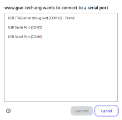
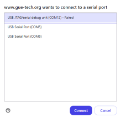
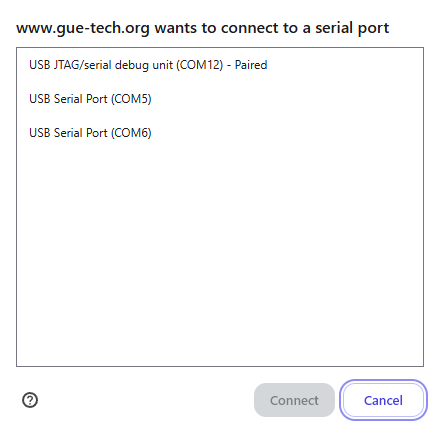
- You should be prompted to select a USB port, pick your device.
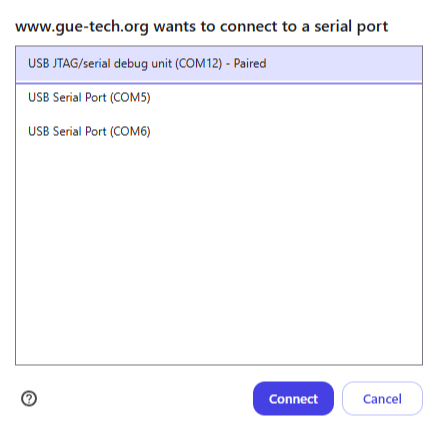
- Click on the correct device port such that it is highlighted and the "Connect" button becomes
active.
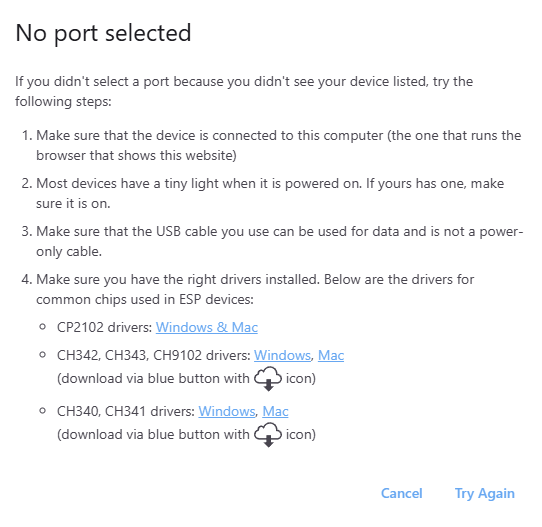
If you are unsure which port is the correct device, look at the list before plugging in your device, then cancel the connection, plug the device in, and select the new port that wasn't previously listed. - Press "Connect". (This step requires drivers, presumably you already have them if you are here though!)
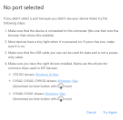
- The "No port selected" dialog can direct you to the correct drivers, if necessary.
- A soft-bricked device may need to be started in boot mode (by temporarily shorting the BOOT pads on v3.1 hardware or holding the BOOT button on v4.1 hardware before applying power).
- Click on the correct device port such that it is highlighted and the "Connect" button becomes
active.
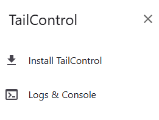
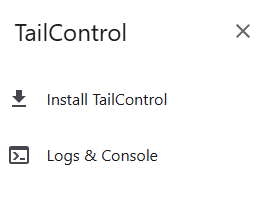
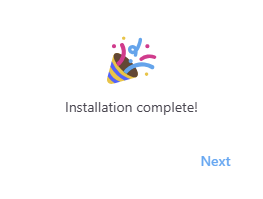
- Select "Install TailControl" from the dialog box. It should now start flashing, when it's finished you should have a flashed device!